AI Chatbot Policy (New for 2026)
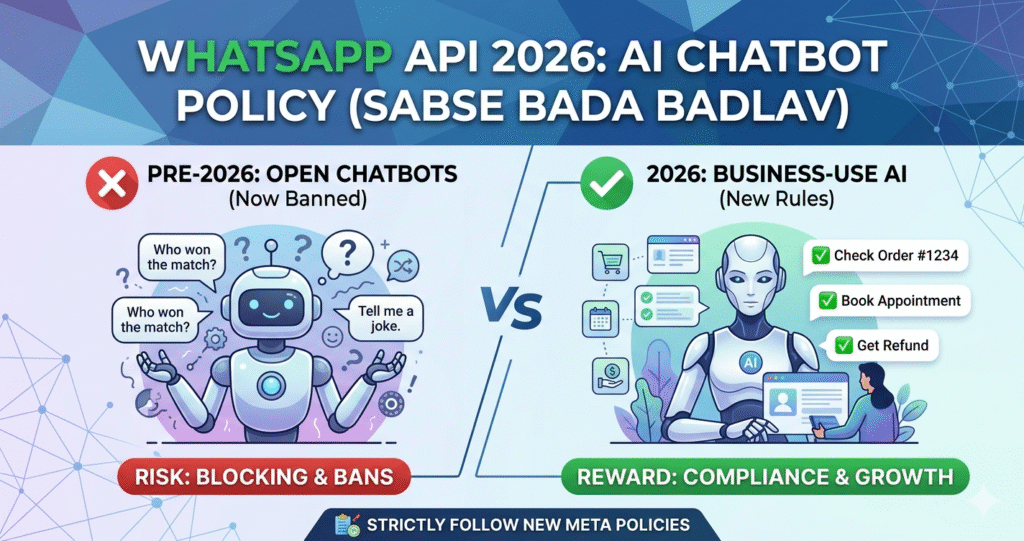
What is Banned: You cannot run an open-ended chatbot like ChatGPT on WhatsApp that can converse freely on any topic or generate non-business content.
What is Allowed: Your AI must be specific to business tasks. Examples include: tracking an order, providing customer support (FAQs), or booking an appointment.
Explicit Opt-in (Consent)
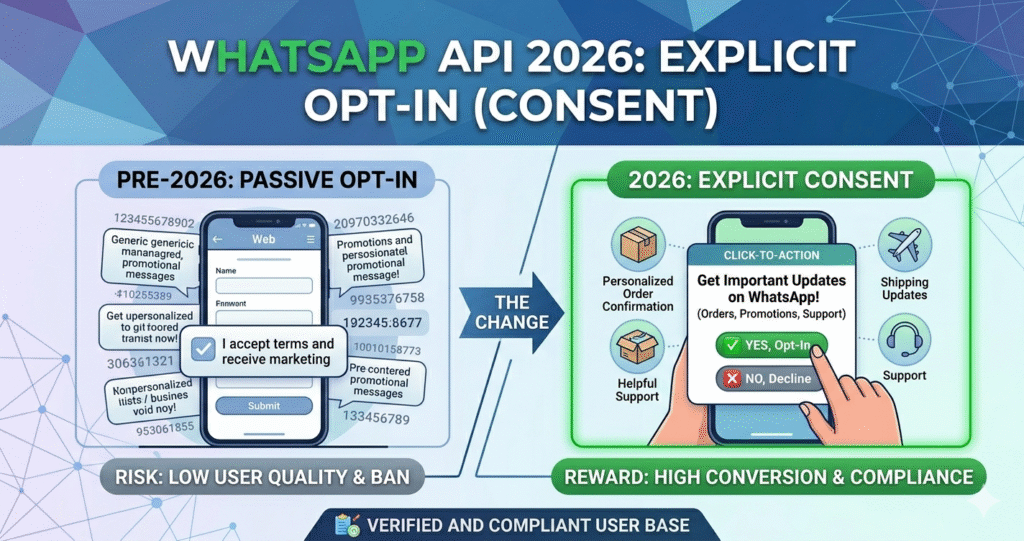
You cannot send the first message to any random phone number. The user must have chosen to receive messages.
User’s Will: The user must have actively provided their number and clicked a check-box (e.g., on a website form, in an app, or by scanning a QR code) stating “I want updates on WhatsApp.”
Keep a Record: You must maintain a verifiable proof of exactly when and how the user opted-in.
Opt-out & DND (Unsubscribe)
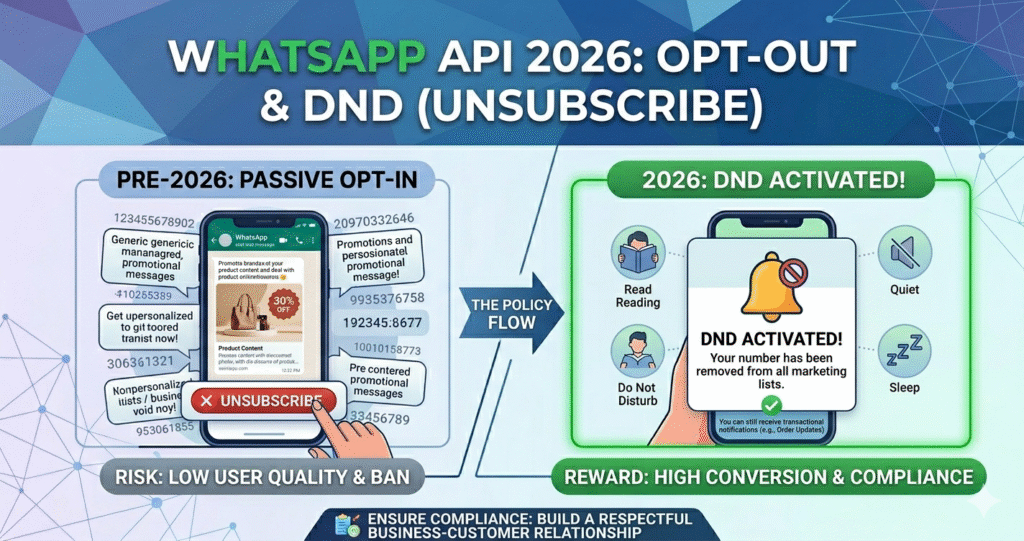
Exit Option: Every single marketing or promotional message must include a clear “Unsubscribe” or “Opt-out” button.
Honor Request: If a user messages “STOP” (or clicks the button), you are required to remove them from your messaging list within 24 hours.
🚀 Ready to Automate Your Business?
Stop wasting time on manual work! Set up your official WhatsApp Business API and automate your customer communication easily. Our expert team will handle everything from setup to full automation.
💬 Setup My WhatsApp API NowMessage Templates & Categories
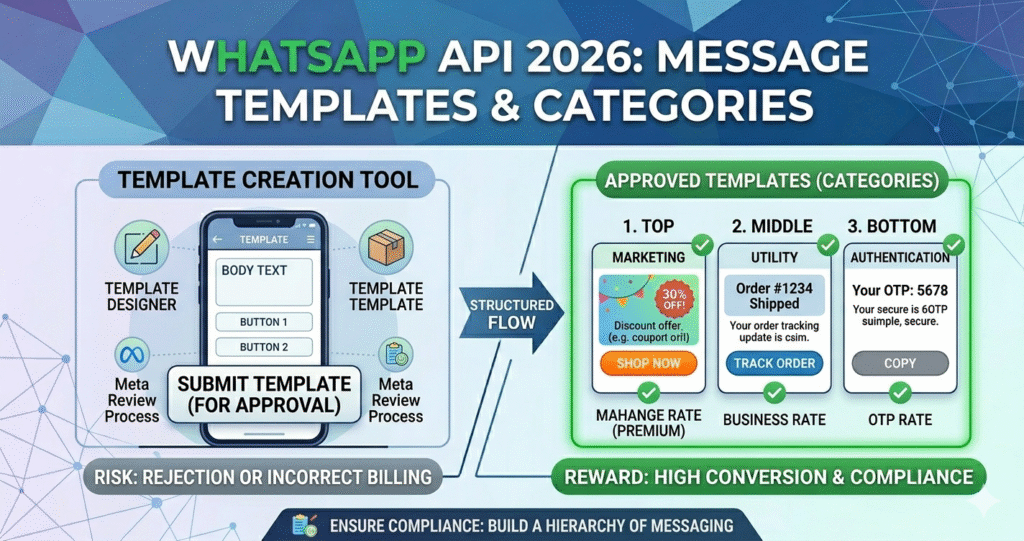
Any first message you send must be an approved “Template” by Meta. You must categorize these templates correctly based on intent:
Marketing: For any promotions, offers, or newsletters (These are priced highest).
Utility: For transaction updates, such as order confirmation or appointment reminders.
Authentication: Strictly for sending OTPs (One-Time Passwords).
The Rule: If you select the Utility category but include marketing language (like a discount), the template will either be rejected, or Meta will charge you the higher (Marketing) rate.
24-Hour Messaging Window
Service Window: When a user messages you first, an active “session” opens. For 24 hours from their last message, you can send “free-form” messages without using templates.
After 24 Hours: Once the session expires (24 hours has passed since their last message), you are restricted to sending only approved Templates again.
Commerce Policy (Banned Items)
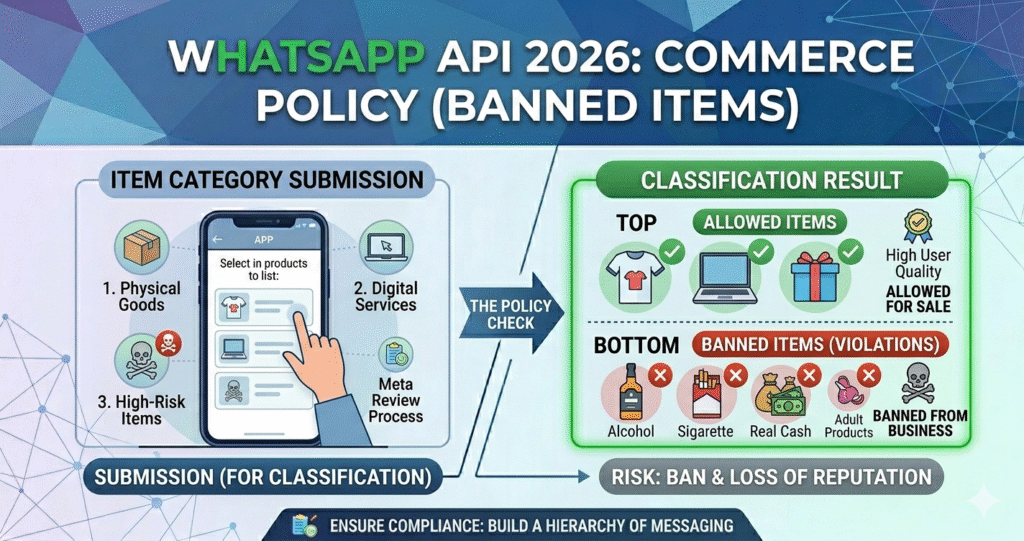
Selling or promoting the following items on the WhatsApp platform is strictly prohibited:
Digital Goods: PDF files, streaming subscriptions (like Netflix), or game accounts.
Physical Items: Alcohol, tobacco, weapons, real cash, gambling, and adult products.
Misleading Claims: Messages promising health miracles or “get rich quick” schemes will be blocked.
Account Quality & Pacing (2026 Update)
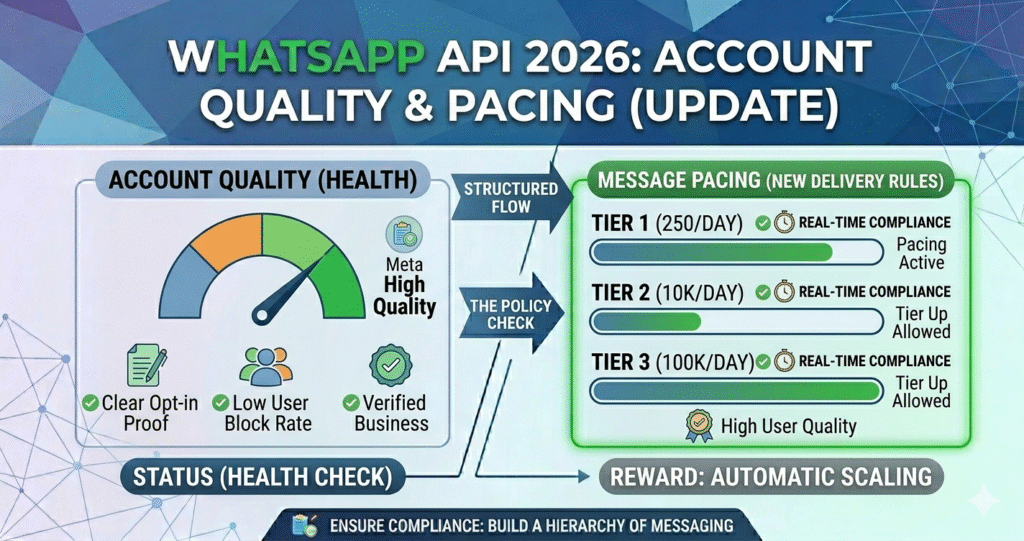
Quality Rating: If too many users Block or Report your number, your health rating turns “Red.” This can lead to Meta lowering your messaging limit.
Pacing: Meta now uses pacing for large broadcast campaigns. If the initial “batch” of messages receives high negative feedback, Meta will stop the campaign from sending to the rest of the list.
WhatsApp API Rules You Must Follow
| Rule | Requirement |
|---|---|
| Opt-in | Consent is mandatory. |
| 24h Window | Reply within 24 hours. |
| Templates | Use Meta-approved messages. |
| Quality | Avoid user blocks/reports. |
| Opt-out | Clear 'Unsubscribe' option. |