Whatsapp API

whatsapp api (2)

How To Make Money Using WhatsApp API

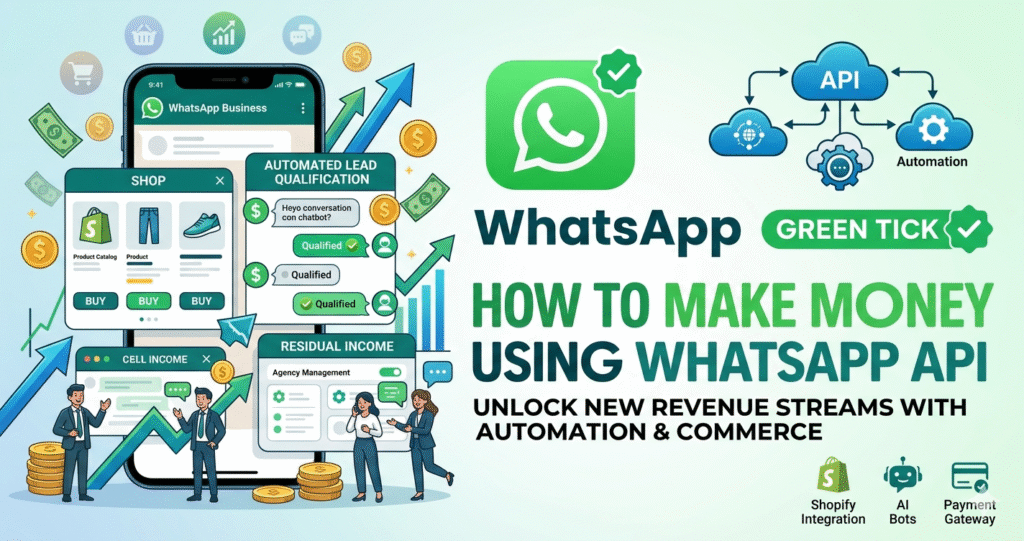
Lead Generation Agency Most businesses struggle to convert Facebook or Instagram ads into sales. You can run Click-to-WhatsApp ads for them. The Model: Instead of a boring website form, users land on WhatsApp. Revenue: Charge clients a monthly retainer or a “fee per qualified lead” that your API bot collects. E-Commerce “Recovery” Services Abandoned carts […]

How To Make Money Using WhatsApp API Read More »
how to whatsapp measiage

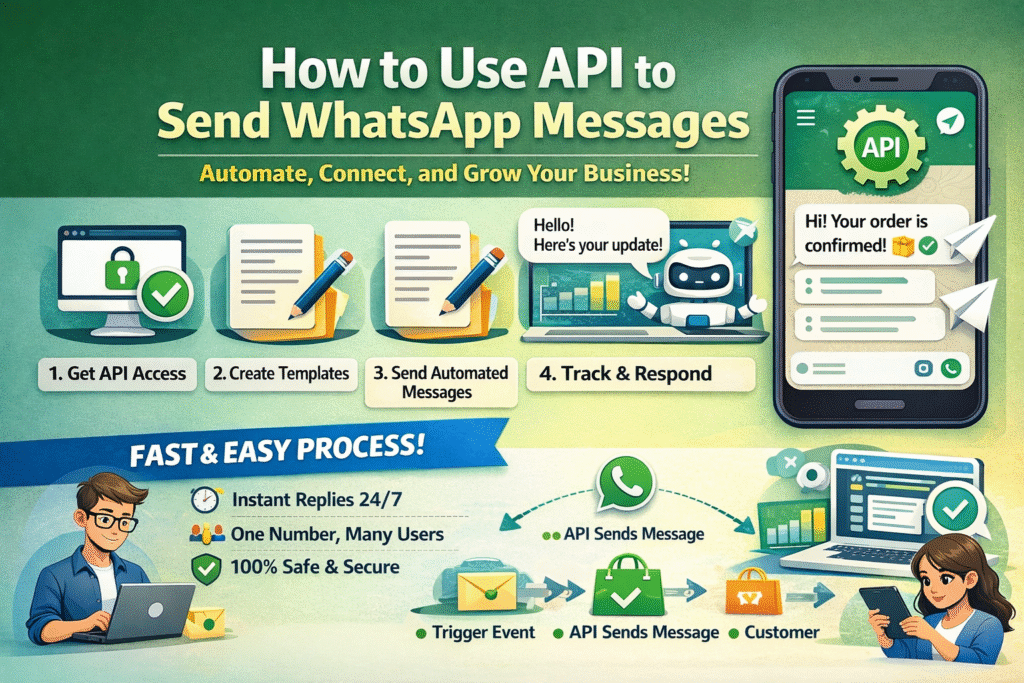
How to Use Api to Send Whatsapp Messages

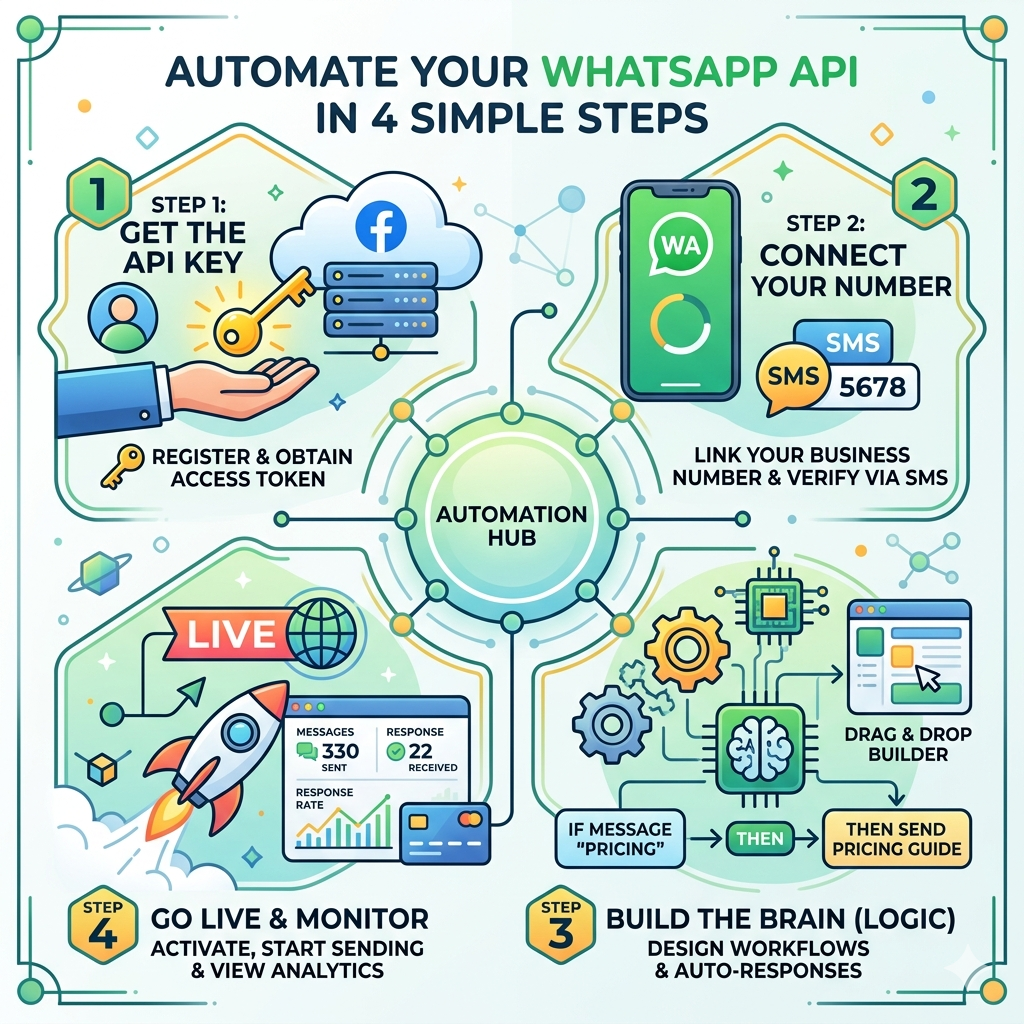
Introduction Every day, thousands of business owners lose hours of their lives manually replying to the same questions: ‘What is the price?’, ‘Where is my order?’, ‘Can you send the location?’ Even worse, many risk their entire business by using unofficial ‘bulk sender’ apps that get their numbers banned overnight. WhatsApp Business API. This isn’t

How to Use Api to Send Whatsapp Messages Read More »

whatesapp jail

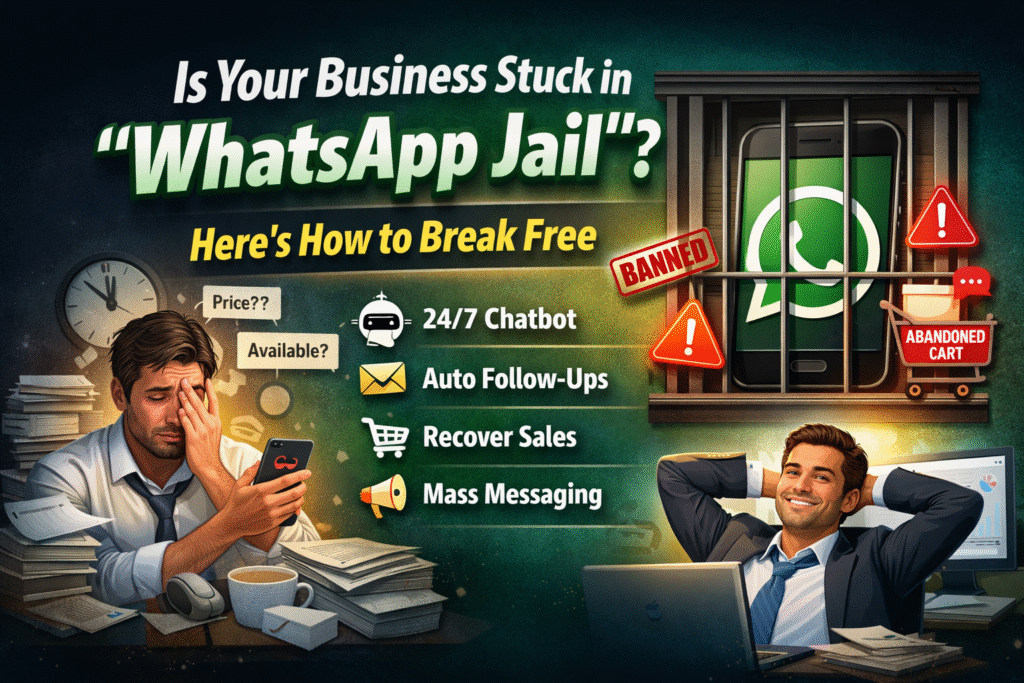
Is Your Business Stuck in “WhatsApp Jail”? Here is How to Break Free.

Running a business on a normal WhatsApp app feels like a trap. You want to grow, but the more customers you get, the more overwhelmed you become. You are working 14 hours a day, yet you are still losing sales. The Real Pain Points of a Growing Business “Ghosting” Problem: A lead messages you, you

Is Your Business Stuck in “WhatsApp Jail”? Here is How to Break Free. Read More »

WhatsApp API or WhatsApp Business for Your Company

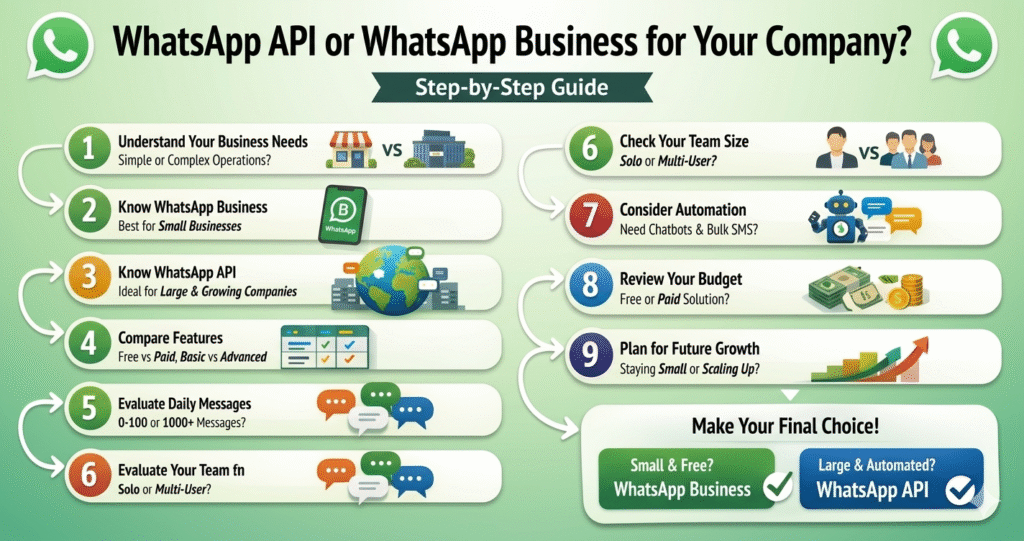
Which One is Better: WhatsApp API or WhatsApp Business for Your Company?

Step 1: Understand Your Business Needs Before choosing between WhatsApp Business and API, you need to be clear about your requirements. Ask yourself: How many customers do I handle daily? Do I need automation? Am I working alone or with a team? 👉 If your communication is simple → go for WhatsApp Business👉 If your

Which One is Better: WhatsApp API or WhatsApp Business for Your Company? Read More »

📲 How to Send WhatsApp API Message (Step-by-Step)

📲 How to Send WhatsApp API Message (Step-by-Step) 🧩 Step 1: Create Developer Account Go to: https://developers.facebook.com Login with your Facebook account Click on “Create App” 📦 Step 2: Add WhatsApp API Open your App Dashboard Click “Add Product” Select WhatsApp Click “Set Up” 📱 Step 3: Setup Test Number Meta will give you a

📲 How to Send WhatsApp API Message (Step-by-Step) Read More »