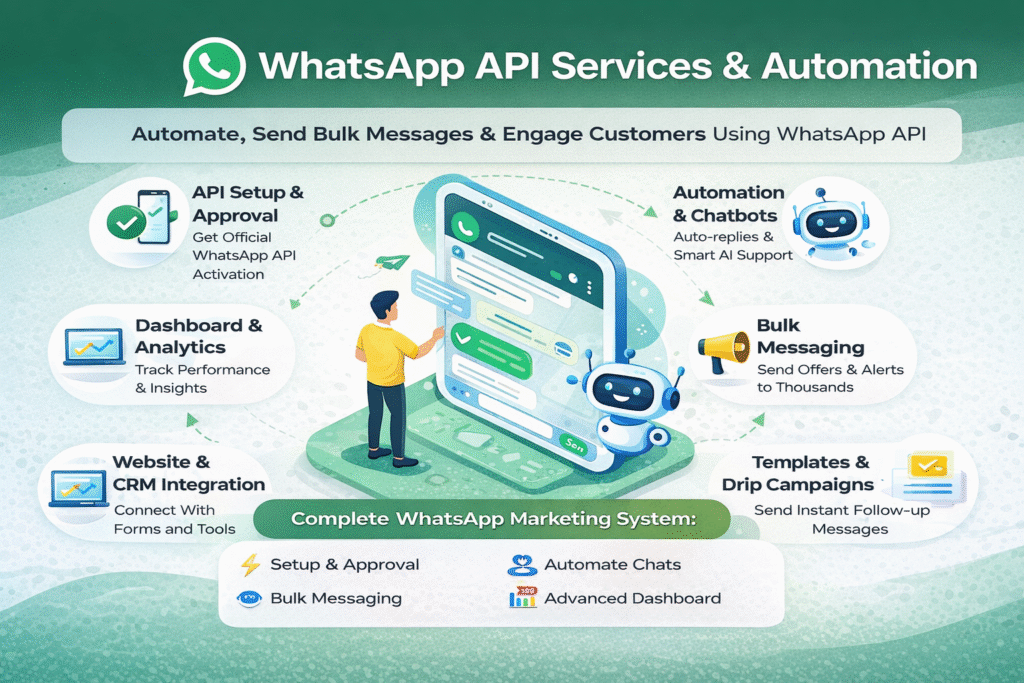

Businesses today need fast, automated communication. With the official WhatsApp API, you can automate chats, send bulk messages, and manage customers at scale โ all from one dashboard
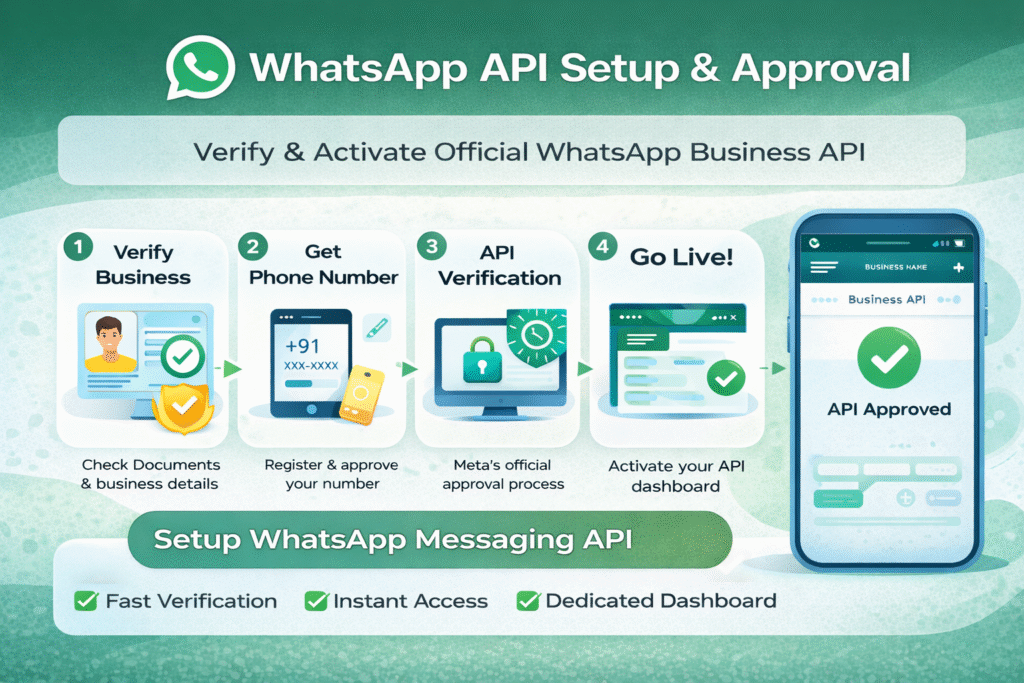
๐งฉ Step 1: WhatsApp API Setup & Approval
What happens in this step:
- Business verification
- Phone number registration
- API approval from Meta
- Dashboard activation
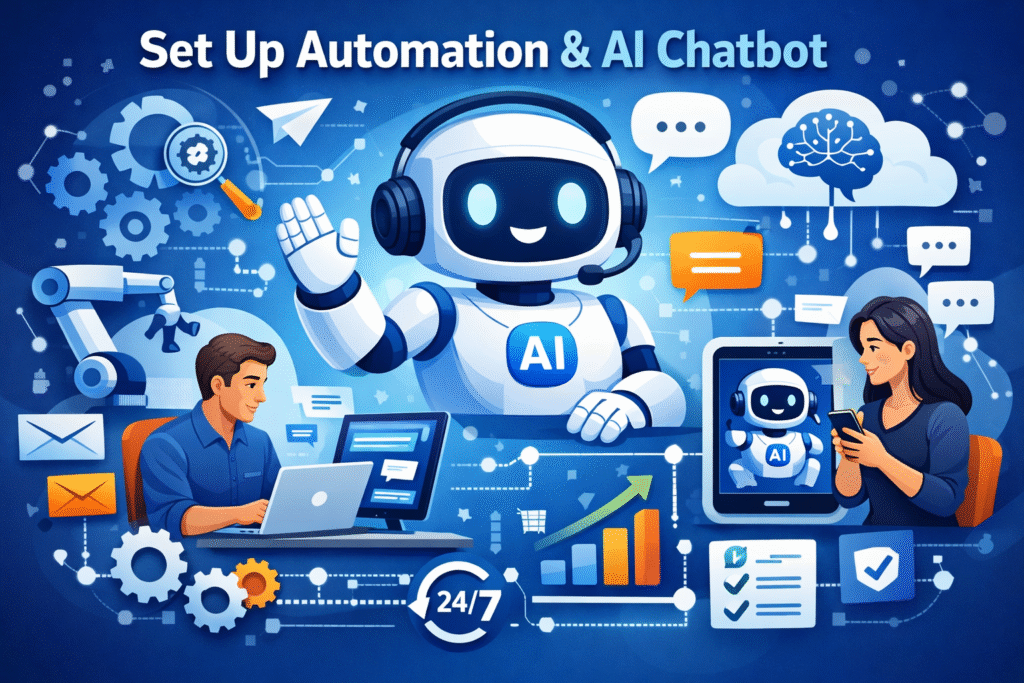
๐ค Step 2: Set Up Automation & AI Chatbot
You can create:
- Auto-replies (Instant response)
- Greeting messages
- FAQ chatbot
- AI-based smart replies
Example:
User: โPrice kya hai?โ
๐ Bot: โHi! Our plans start at โน500/month. Want details?โ
๐ก Works 24/7 without human support
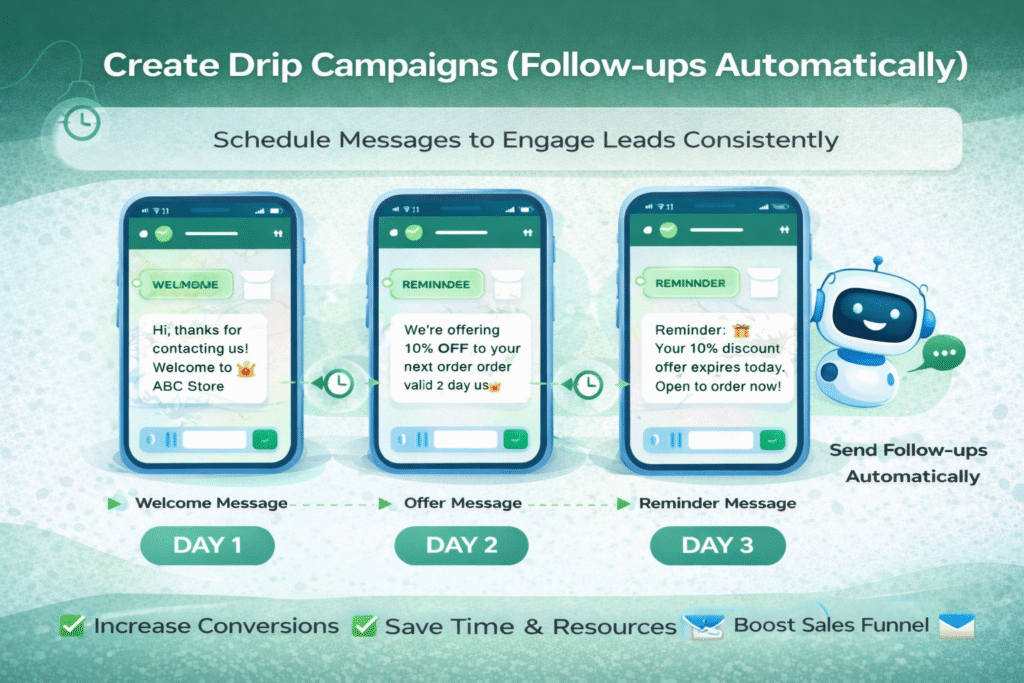
๐ Step 3: Create Drip Campaigns (Follow-ups Automatically)
Example Flow:
- Day 1 โ Welcome message
- Day 2 โ Offer message
- Day 3 โ Reminder
๐ No manual follow-up needed
๐ Increases conversion rate
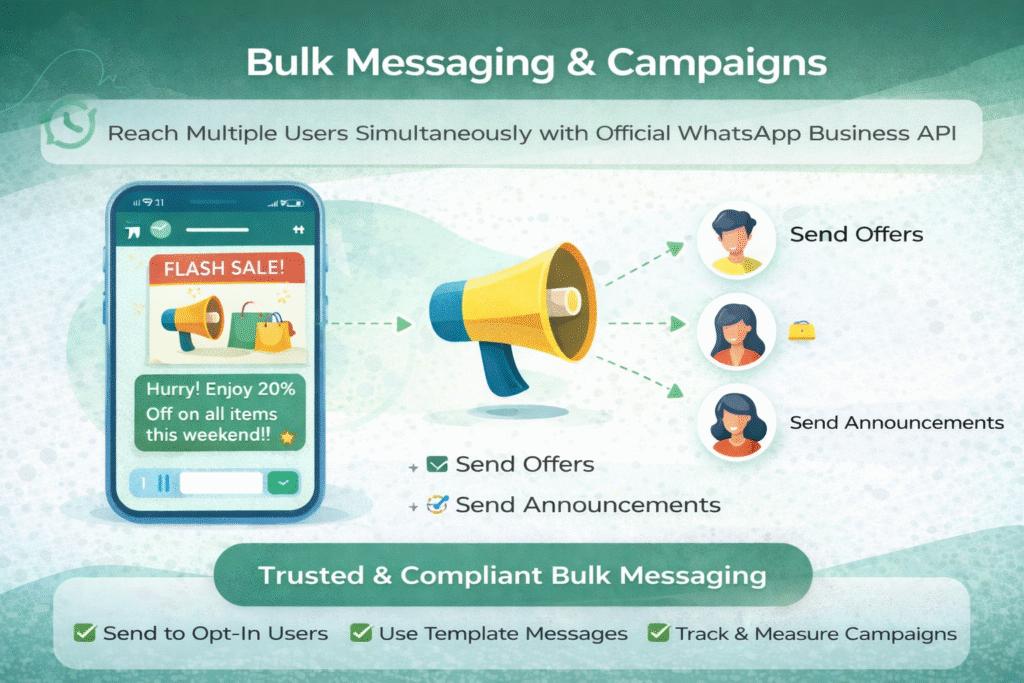
๐ฉ Step 4: Bulk Messaging & Campaigns
Use cases:
- Offers & discounts
- Product launches
- Event reminders
โ ๏ธ Important:
- Only send to opt-in users
- Use approved templates
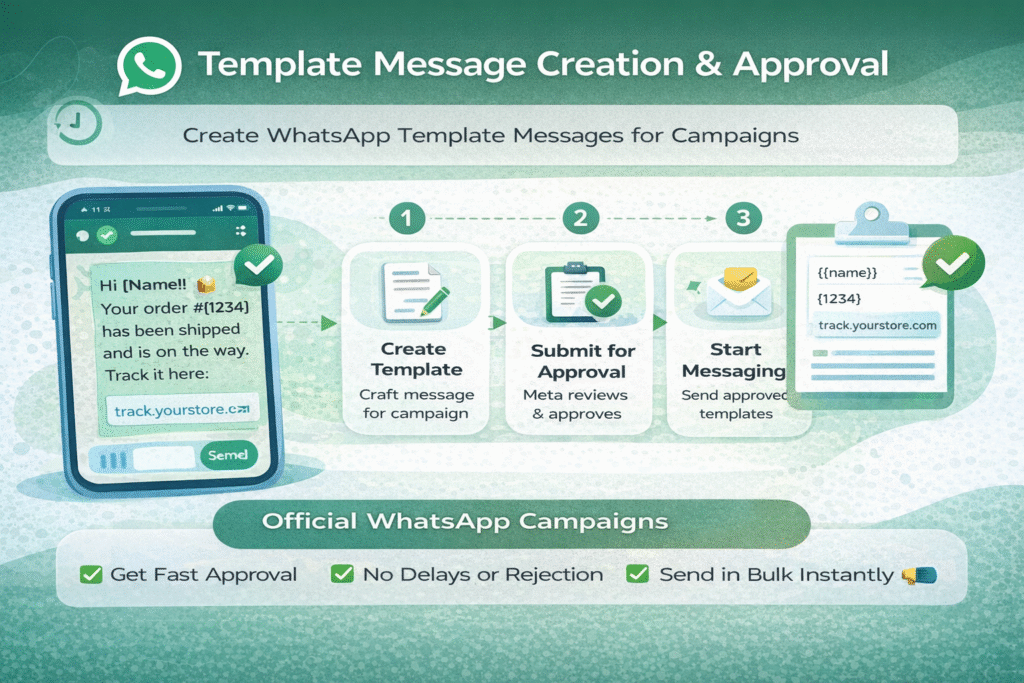
๐ Step 5: Template Message Creation & Approval
Examples:
- Order confirmation
- Appointment reminder
- Offer message
Process:
- Create message template
- Submit for approval
- Start using in campaigns
โฑ๏ธ Approval time: Few minutes to hours
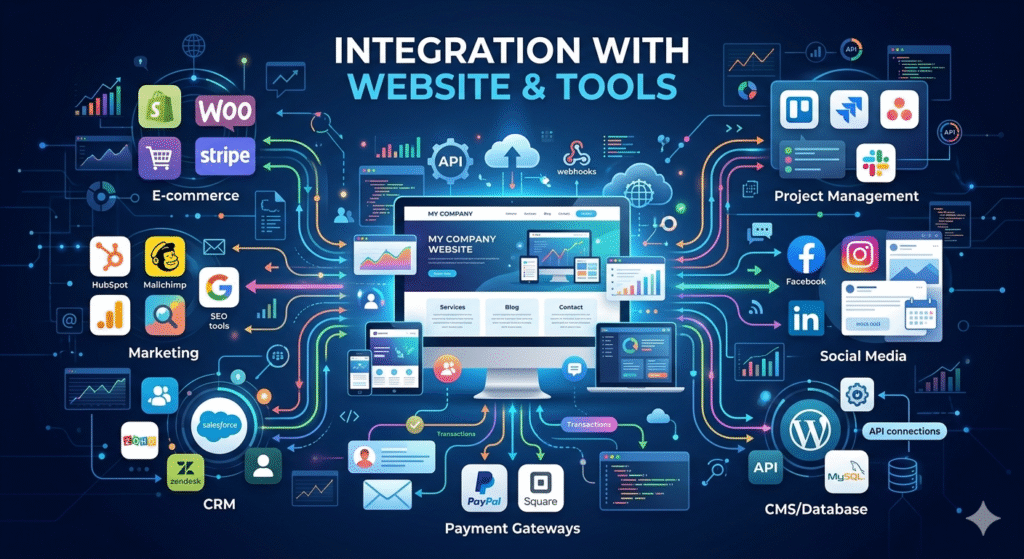
๐ Step 6: Integration with Website & Tools
Connect your system with:
- Website forms
- CRM software
- Landing pages
- Payment systems
Example:
User fills form โ
๐ Automatic WhatsApp message sent
๐ Lead stored in dashboard
๐ Step 7: Track Performance & Analytics
- Messages sent
- Delivery rate
- Replies
- Campaign performance
ย
Helps improve future campaigns
๐ฏ Step 8: Use Cases (Real Business Examples)
๐ E-commerce
- Order updates
- COD confirmation
๐ Education
- Course reminders
- Lead nurturing
๐ Real Estate
- Property details
- Follow-ups
๐ผ Agencies
- Lead qualification
- Client communication
โ ๏ธ Important Rules & Limitations
- No spam or cold messaging โ
- Template approval required
- Charges per conversation (by Meta)
- Must follow WhatsApp policies
๐ Why Automation is a Game-Changer
- Saves time โฑ๏ธ
- Works 24/7 ๐ค
- Increases conversions ๐
- Reduces manual work
๐ Get WhatsApp API Dashboard in Just โน500/Month
- Official API Setup
- AI Automation
- Bulk Messaging
- Full Support

Neha Thakur is a passionate digital marketer with 3 years of experience in content strategy. As a content writer and marketing expert, she leverages tools like Gemini to create impactful, data-driven content. She specializes in helping brands grow their online presence and engagement effectively.