
Introduction
Handling 1000+ messages per day on WhatsApp is not about replying quickly—it is about building a structured system, message management strategy, and efficient workflow. Without proper chat organization and message filtering, high message volume leads to missed conversations, delayed responses, and poor customer communication.
1. Use WhatsApp Business
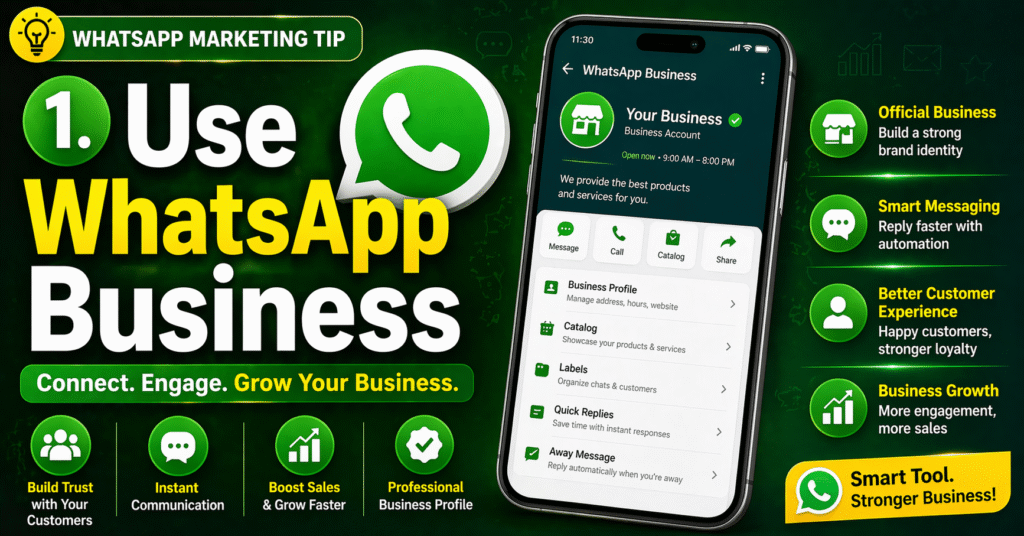
👉 Provides automation, quick replies, and chat labels
👉 Foundation of WhatsApp message management system
- Example
- 👉 You run an online shop and a customer messages you at night:
- Customer: “Hi, I want to buy your product.”
- ✔ Automatically sent reply (Auto Message):
“Hello 👋 Thanks for contacting us. We will reply during working hours.” - 👉 Next day, you reply quickly using a saved message:
/price → “Our price starts from ₹999.”
2. Use Quick Replies
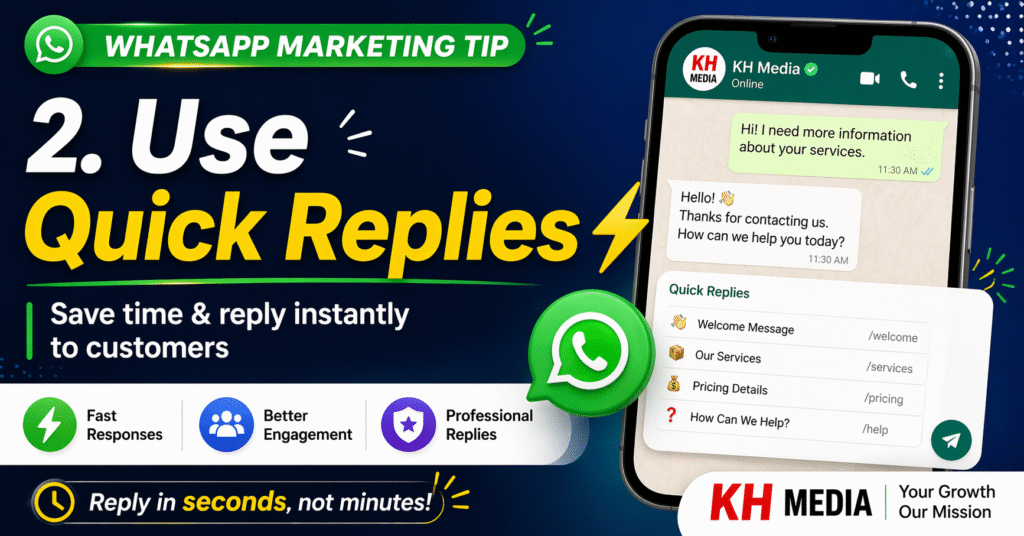
👉 Pre-written messages for common questions
👉 Improves response efficiency and productivit
Example:
/price→ send price/info→ send details
3. Chat Organization with Labels
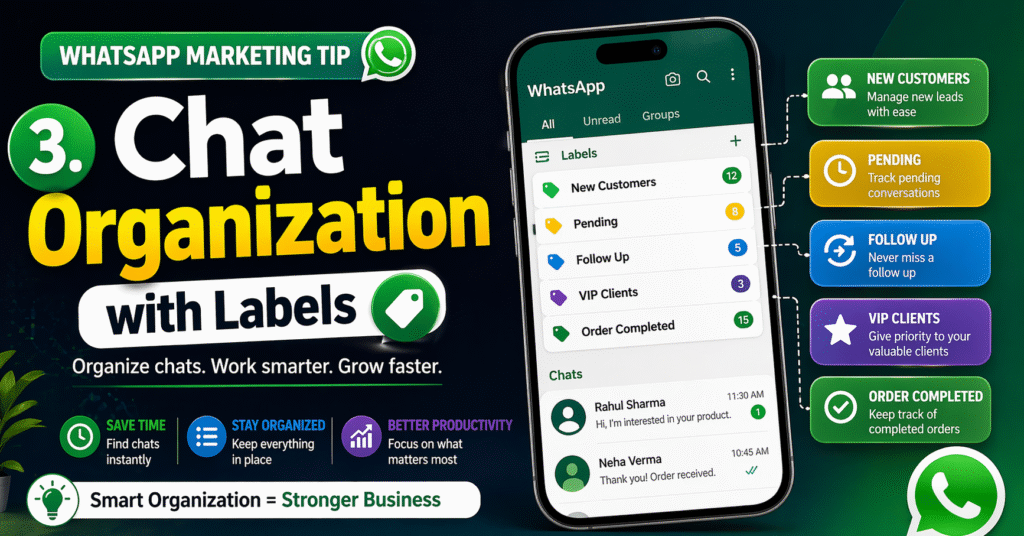
👉 Helps in message filtering and workflow management
👉 Categories: New, Urgent, Payment, Follow-up
Example:
👉 Incoming message: “Hi, I want product details”
✔ Label: New Customer
🚀 How to Handle 1,000+ Messages/Day on WhatsApp
Scaling your communication requires more than just manual effort. To manage 1,000+ daily messages without getting flagged, you must transition to the WhatsApp Business API. This allows you to deploy AI-powered chatbots for instant FAQs, use multi-agent team inboxes to distribute the workload, and implement automated broadcast scheduling. By using official automation, you ensure 100% delivery rates while maintaining a high quality score and providing lightning-fast customer support.
⚡ Scale Your WhatsApp Automation4. Use Auto Messages (Automation)
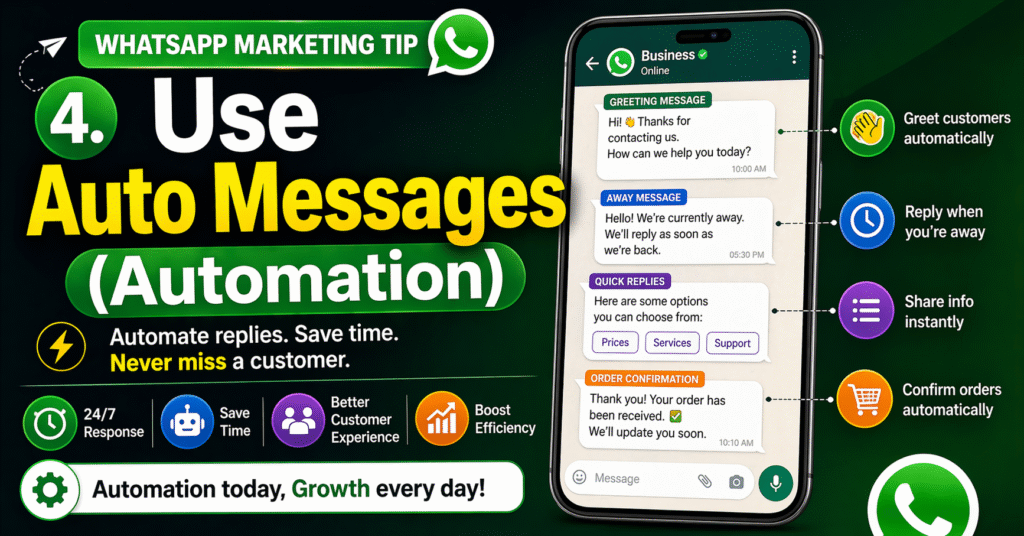
👉 Greeting + Away messages
👉 Provides instant response system (24/7 communication)
Examples:
👉 Greeting Message:
“Hello 👋 Thanks for contacting us. We will reply shortly.”
👉 Away Message:
“We are currently unavailable. Our working hours are 10 AM – 7 PM.”
👉 After-Hours Message:
“Thank you for your message. We will reply tomorrow.”
5. Follow Priority System
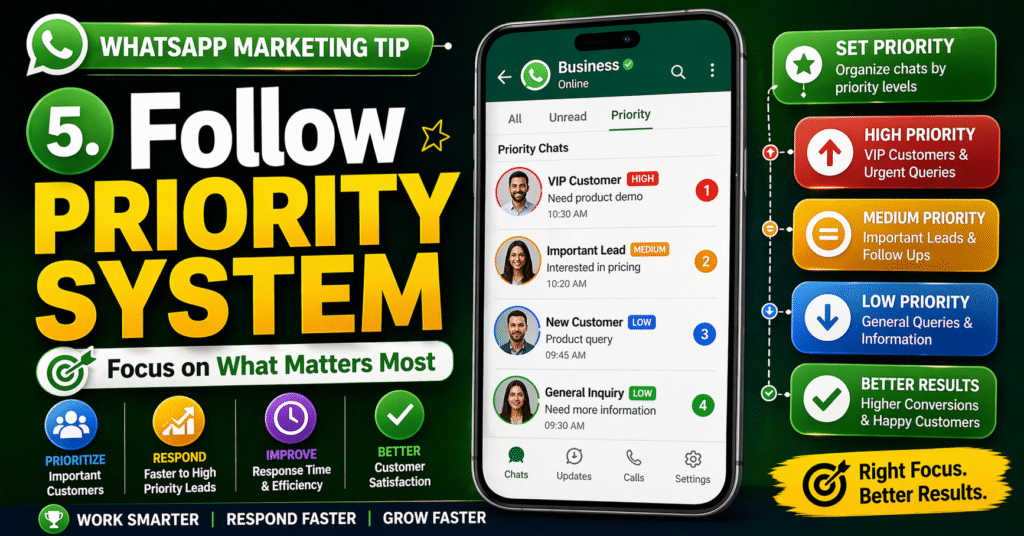
👉 Reply order:
- Payment customers
- Urgent queries
- General messages
👉 Ensures important chats are never missed
Examples:
👉 Messages in chat:
- “I have paid ₹999, please confirm”
- “Is this product available?”
How to handle 1000+ messages/day on WhatsApp
| No. | Strategy | Explanation | Benefit |
|---|---|---|---|
| 1 | Use WhatsApp Business | Use business tools like auto-replies, labels, and quick replies | Saves time and manages messages easily |
| 2 | Quick Replies | Pre-written messages like /price, /info | Fast response without typing again |
| 3 | Chat Labels | Categorize chats (New, Urgent, Payment Done) | Easy organization and tracking |
| 4 | Auto Messages | Automatic greeting and away messages | 24/7 instant response |
| 5 | Priority System | Reply first to urgent and payment messages | No important message missed |
Q1: Can I handle 1,000+ daily messages using the standard WhatsApp Business App?
No. The standard app is designed for small businesses with low volume. If you try to send or receive 1,000+ messages manually, you will face two major issues:
Q2: What is the best solution for scaling to 1,000+ messages?
The WhatsApp Business API is the only official way to scale. Unlike the app, the API allows you to:
Connect your number to a Shared Team Inbox so multiple staff members can chat simultaneously.
Integrate AI Chatbots to handle up to 80% of repetitive queries automatically.
Use official Messaging Tiers to send high volumes of notifications safely.
Q3: How do I prevent my account from being blocked at high volumes?
To maintain a high Quality Rating, you must:
Get Opt-ins: Only message users who have given you permission.
Use Templates: Use Meta-approved templates for outgoing broadcasts.
Provide Value: Ensure your messages are personalized and relevant. If too many users “Report Spam,” Meta will lower your messaging limit.
Q4: How can a team manage these messages without getting confused?
Use a Multi-Agent Dashboard. These platforms allow you to:
Auto-Assign: Automatically route chats to the right department (e.g., Sales or Support).
Internal Notes: Team members can leave private notes on a chat for other colleagues to see.
Labels: Categorize chats (e.g., “New Lead,” “Payment Pending”) to stay organized.
Q5: What are the benefits of using AI Chatbots for this volume?
Instant Response: No customer has to wait, even at 3:00 AM.
Lead Qualification: The bot can ask for names, emails, and requirements before passing the chat to a human.
Consistency: The bot always gives accurate, pre-defined information without making mistakes.