
Introduction
WhatsApp is strict about user safety and spam prevention. If a business account violates its policies—even unknowingly—it can get **temporarily restricted or permanently banned**. Most blocks happen due to messaging behavior, content issues, or poor user feedback.
1. Opt-in is Mandatory
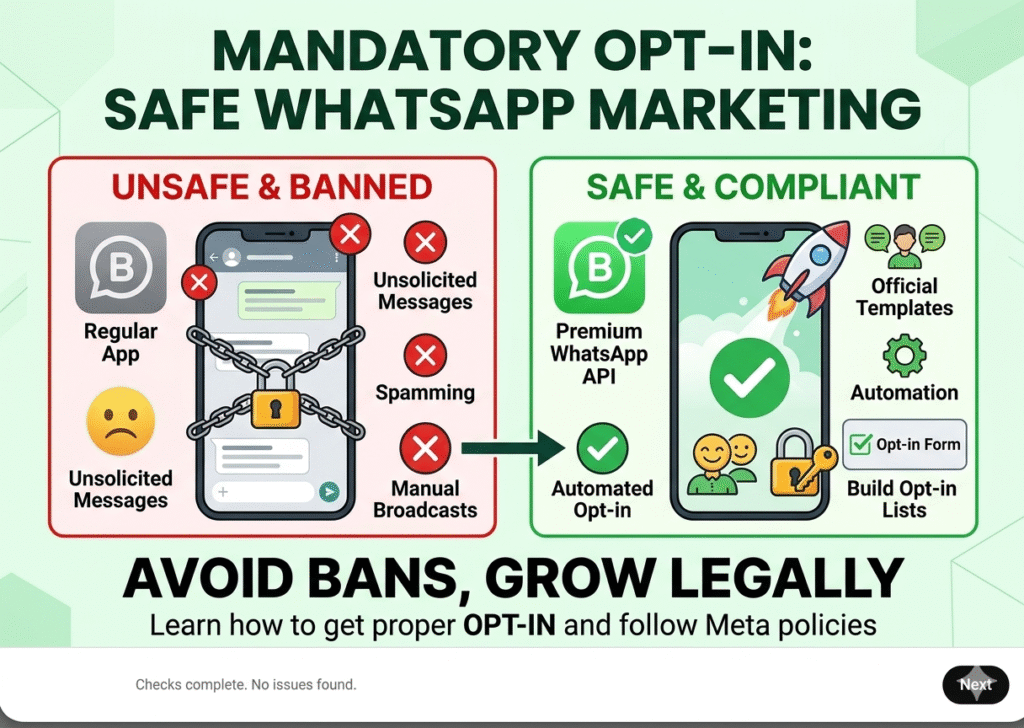
- Users must give clear permission before you message them
- Without consent, messages are considered spam
- Always collect opt-in through forms, website, or signup
- Only message users who know your business and agreed to receive updates
2. Lack of User Opt-in
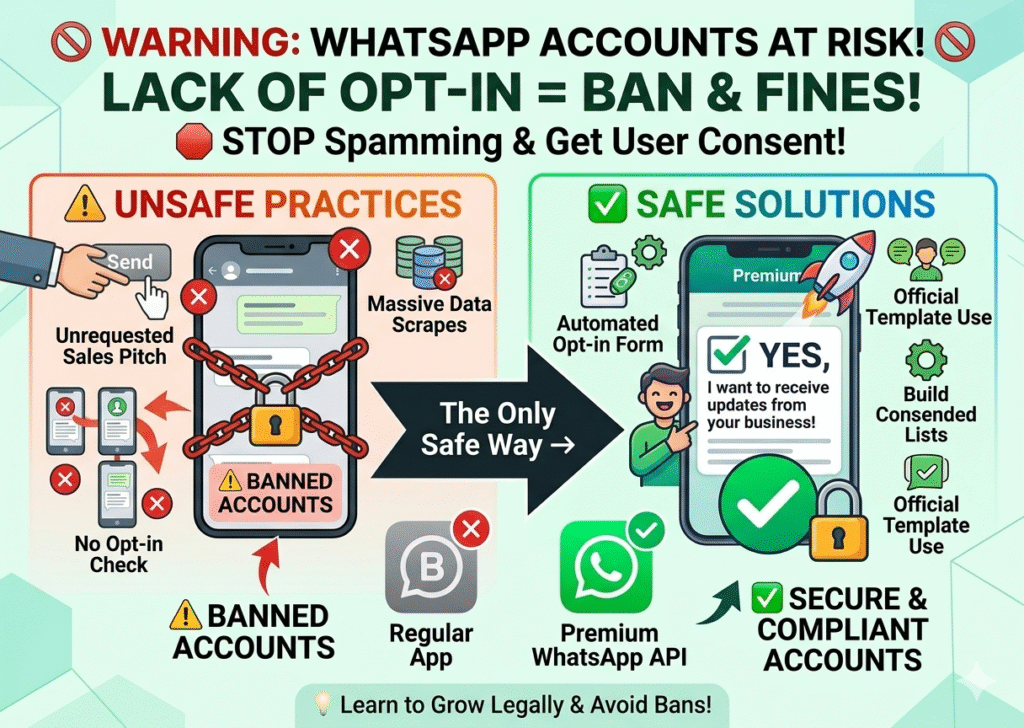
Sending messages to people who haven’t explicitly agreed to receive updates from you. Cold messaging often leads to immediate bans because the recipient doesn’t recognize the sender.
🚫 Why WhatsApp Blocks Business Accounts (2026)
Protect your business by understanding Meta's strict anti-spam policies. In 2026, accounts are primarily blocked due to High User Report Rates, sending Unsolicited Bulk Messages without official opt-ins, and using Unauthorized Automation Tools. To maintain a high quality rating, ensure your communication is personalized, spaced out, and provides a clear "Opt-out" option, keeping your account 100% compliant with the official Business Solution Provider (BSP) guidelines.
🛡️ Secure Your Business Account Now3. Avoid Bulk Messaging Tools
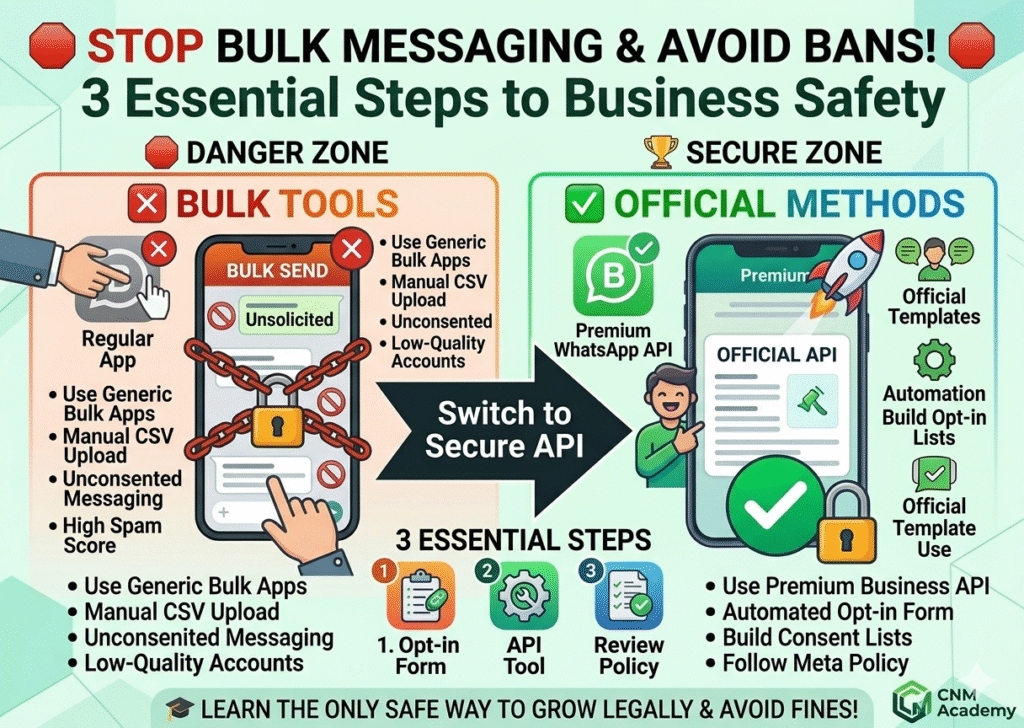
Only use official tools like:
- WhatsApp Business
- WhatsApp Business API
- Third-party tools = instant risk 🚨
4. Message Like a Human Avoid:
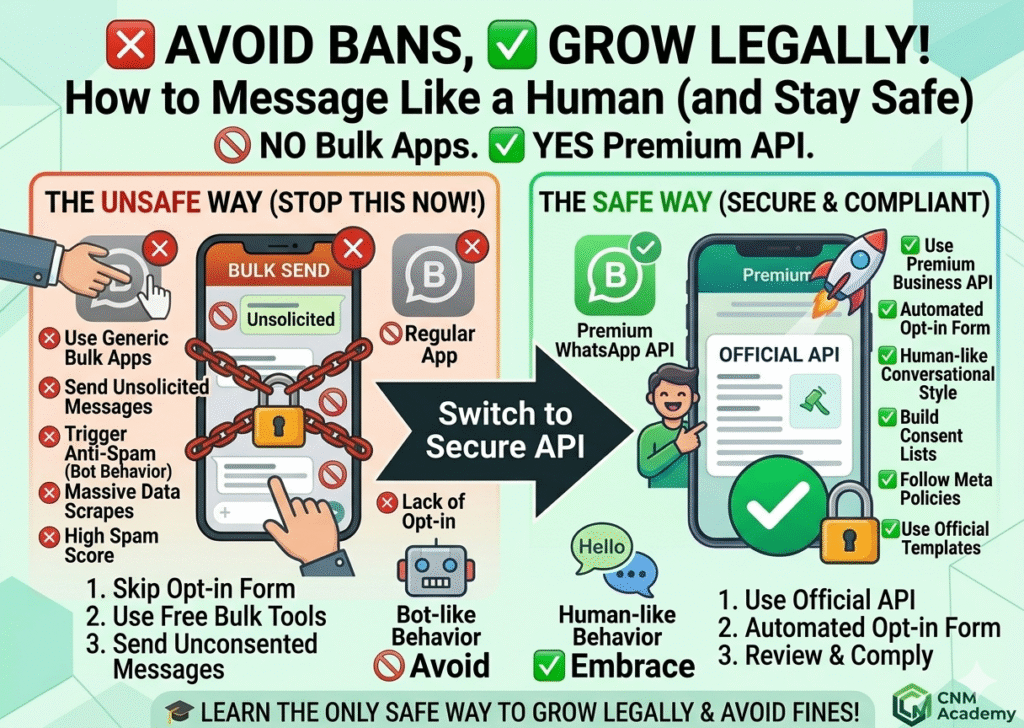
- Copy-paste spam (sending the same message to everyone)
- Too many messages at once (flooding users with texts)
✅ Do:
- Personalize messages (use name, interest, or context)
- Space out communication (don’t message repeatedly in a short time)
| ❌ Avoid | ✅ Do |
|---|---|
| Copy-paste spam (same message to all) | Personalize messages (use name, context) |
| Too many messages at once | Space out communication properly |
| Robotic or generic wording | Use natural, human-like language |
| Overloading users with texts | Keep messages short and helpful |
| Ignoring user response time | Wait and reply like a real conversation |
Why WhatsApp Blocks Business Accounts?
WhatsApp blocks business accounts when they break its rules, such as sending spam messages, messaging people without permission, using unofficial tools, or getting too many user reports. It does this to protect users and keep the platform safe.
What is WhatsApp Business account blocking?
WhatsApp Business account blocking means WhatsApp temporarily or permanently stops a business account when it violates its rules, such as sending spam, using unauthorized tools, or getting too many user complaints. This is done to keep users safe and prevent misuse of the platform.
Why does WhatsApp block business accounts?
WhatsApp blocks business accounts when they break its rules, such as sending spam messages, messaging users without permission, using unofficial tools, or receiving too many reports from users.
What happens when a WhatsApp business account is blocked? ✔ Answer:
When a WhatsApp business account is blocked, the business cannot send or receive messages, and access may be temporarily restricted or permanently banned depending on the violation.
How can WhatsApp business accounts get blocked?
WhatsApp business accounts get blocked when they violate rules such as sending spam messages, messaging users without permission, using unofficial apps or tools, or getting repeated user reports.